Short answer
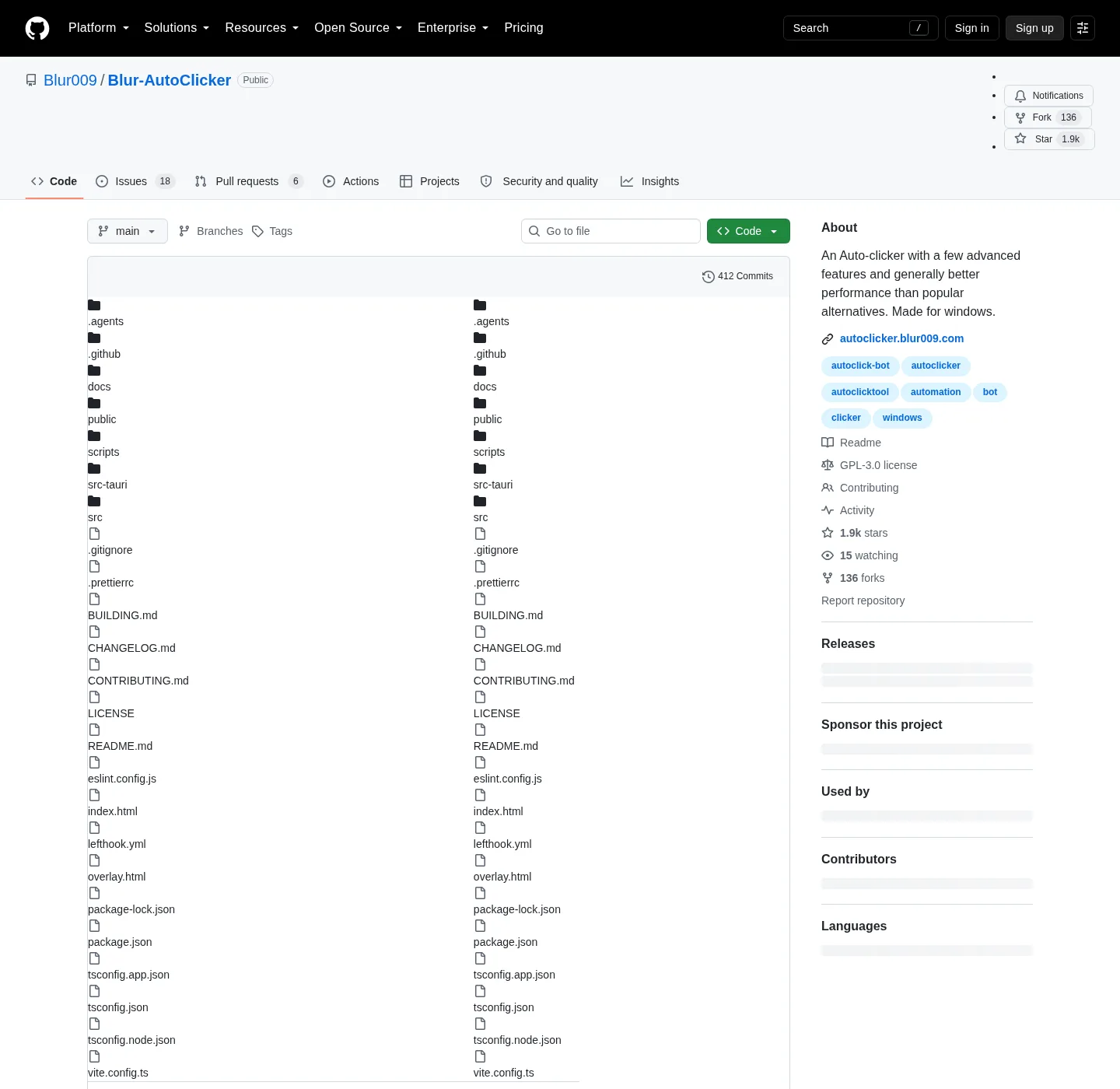
Blur Auto Clicker is open-source (GPL-3.0) software from the developer Blur009, published on GitHub and in winget as Blur009.BlurAutoClicker. Its installer is not code-signed, so SmartScreen may warn; compare the file's SHA-256 with GitHub's before running it. It checks GitHub for updates and sends no clicks or keys until you press the hotkey.
How do I check a Blur Auto Clicker download is genuine?
- Get the file from an official channel. Download from the Blur009/Blur-AutoClicker releases page, or install with winget.
- Match the file name. Check that the file is named BlurAutoClicker_3.9.6_x64-setup.exe or BlurAutoClicker-v3.9.6-portable.zip.
- Compare the SHA-256. Run Get-FileHash on the file and compare it with the hash listed for that asset on the install page.
- Read the signature state. Run Get-AuthenticodeSignature on the file; NotSigned is the expected result for official builds.
- Scan if your policy requires it. Right-click the file and scan it with Microsoft Defender before the first run.
Why does Windows SmartScreen flag Blur Auto Clicker?
SmartScreen flags it because the installer has no Authenticode code-signing certificate, which the developer explains in the release trust note. The builds do carry Tauri updater signatures, but those only protect the in-app update channel. The README adds that a SmartScreen warning does not mean the program is malicious. It means Windows has no publisher identity to show, which is why checking the hash matters more here than for a signed installer.
What does Blur Auto Clicker connect to?
The program's own network use is small and readable in the source. It asks the GitHub releases API for the latest version when the window opens and then every hour (App.tsx, update_checker.rs), and when an update exists it can fetch the changelog from raw.githubusercontent.com. The Settings page also shows a Ko-fi donation button whose image loads from storage.ko-fi.com, and a background image you set from a web address is fetched from there. Crash logs and diagnostics stay on the PC until you press Export, and settings live in %AppData%\BlurAutoClicker.
What should I do if antivirus quarantines the file?
First confirm the hash matches the GitHub value; if it does not, delete the file and download it again from the release page. If it matches and your antivirus still objects, the release trust note describes Microsoft's file submission form, where you can send the file for review as a possible false positive. Avoid turning protection off to run it, and on a managed PC let the administrator decide.
| Check | What you should find | Source |
|---|---|---|
| License | GNU GPL-3.0, full source on GitHub | LICENSE in the repository |
| Developer | Blur009 (GitHub account) | Repository owner and installer publisher |
| Official channels | GitHub releases, winget Blur009.BlurAutoClicker | README |
| Installer signature | NotSigned (expected) | Release trust note |
| Network use | GitHub update check at launch and every hour | update_checker.rs, App.tsx |
| Starts with Windows | Only if you switch on Run on Startup | autostart.rs |
Frequently asked questions
Can using an auto clicker get my game account banned?
It can. Many online games and services forbid automated input in their terms, and anti-cheat tools can detect it. Read the rules of the game or site before running Blur Auto Clicker there.