Short answer
Copy winget install -e --id Blur009.BlurAutoClicker --accept-source-agreements --accept-package-agreements, press Win+R, paste it with Ctrl+V and press Enter, or download BlurAutoClicker_3.9.6_x64-setup.exe (7.8 MB) from the official GitHub release and compare its SHA-256 with the value below. Setup installs Blur Auto Clicker for your Windows account in %LocalAppData%\BlurAutoClicker; no administrator rights are needed. Open it from the Start menu.
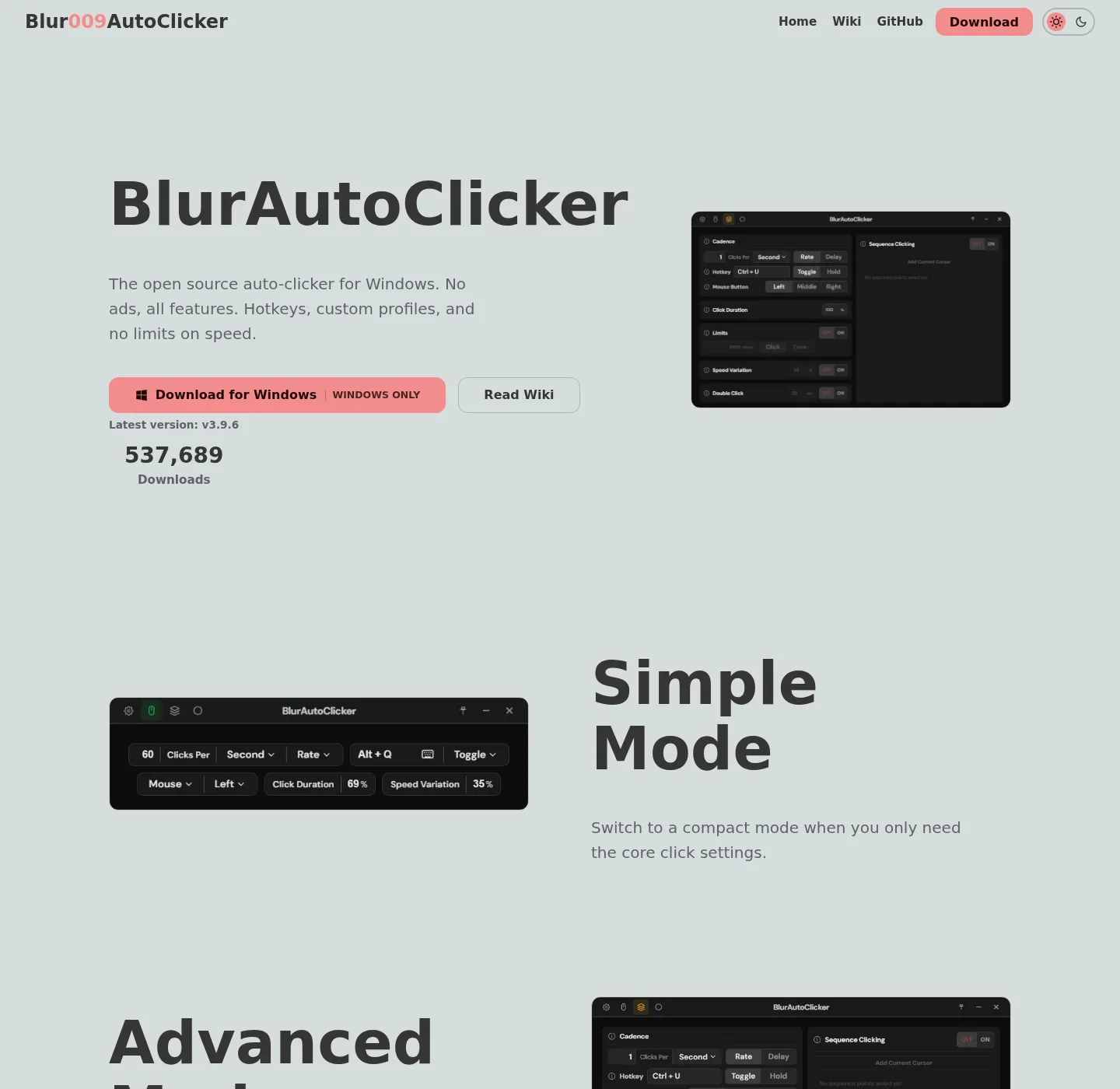
How do I install Blur Auto Clicker on Windows?
- Run the winget command. Copy winget install -e --id Blur009.BlurAutoClicker --accept-source-agreements --accept-package-agreements, press Win+R, paste it with Ctrl+V and press Enter; a window opens, installs the app and closes.
- Or download the setup file. On the GitHub release page, download BlurAutoClicker_3.9.6_x64-setup.exe; skip the portable zip unless you want a folder install.
- Check the file hash. Run Get-FileHash .\BlurAutoClicker_3.9.6_x64-setup.exe -Algorithm SHA256 in the Downloads folder and compare it with the SHA-256 in the table on this page.
- Run setup and open the app. Double-click the file, confirm the SmartScreen prompt only if the hash matched, then open Blur Auto Clicker from the Start menu.
Where can I download Blur Auto Clicker officially?
Blur Auto Clicker has two official download channels: the GitHub releases page of the Blur009/Blur-AutoClicker repository and the Windows Package Manager package Blur009.BlurAutoClicker, listed in the project's README and accepted into winget in version 3.9.2. The official website links to the same GitHub release, and the README notes the app was also accepted into Chris Titus Tech's winutil tool. Any other site that serves its own copy is a mirror you would have to trust separately.
How do I check that the download matches GitHub?
A file hash proves the copy on your PC is byte-for-byte the file the developer published. GitHub records a SHA-256 digest for every release asset, shown in the table below, and the winget installer manifest for 3.9.6 carries the same installer hash, so both channels deliver an identical setup file. In PowerShell run Get-FileHash .\BlurAutoClicker_3.9.6_x64-setup.exe -Algorithm SHA256 from the folder that holds the file. Capital or lower-case letters do not matter; every other character must match.
Why does Windows show a SmartScreen warning for the installer?
Windows warns because the installer carries no Authenticode signature, which the project states plainly in its Windows release trust note. Running Get-AuthenticodeSignature on the file returns NotSigned, and that result is expected. SmartScreen then shows "Windows protected your PC" with a small More info link and a Run anyway button. Use it only after the hash matched; on a work PC that blocks the button, ask the administrator instead of looking for another copy.
What does setup add to the PC?
Setup copies the program to %LocalAppData%\BlurAutoClicker and keeps settings and statistics in %AppData%\BlurAutoClicker, according to the README. The installer embeds Microsoft's WebView2 bootstrapper (tauri.conf.json), which installs the WebView2 runtime silently if Windows lacks it. It adds no startup entry until you switch on Run on Startup in Settings. Upgrading from 2.1.2 or older is different: the README says to delete the old executable first, because the installer leaves it in place and version 3 discards old configs.
| File | Size | SHA-256 (from GitHub) |
|---|---|---|
| BlurAutoClicker_3.9.6_x64-setup.exe | 7.8 MB | ef6679d76001656a8a896a2298a38a102e849569b50a856140af6ed243b5a0ea |
| BlurAutoClicker-v3.9.6-portable.zip | 9.5 MB | 976a098a3cc92147b1863fd41705c8f5d7d0582a678d6194417a13a39e290df3 |
Frequently asked questions
Is there a Blur Auto Clicker for Mac or Linux?
No. The project builds only a Windows NSIS installer and a Windows portable zip, as its build configuration and release assets show. Files named Blur Auto Clicker for macOS or Linux did not come from the Blur009 repository.
Does winget install the same file as GitHub?
Yes. The winget manifest for Blur009.BlurAutoClicker points its installer URL at the GitHub release asset and records the same SHA-256, and it installs with user scope into %LocalAppData%\BlurAutoClicker.