Short answer
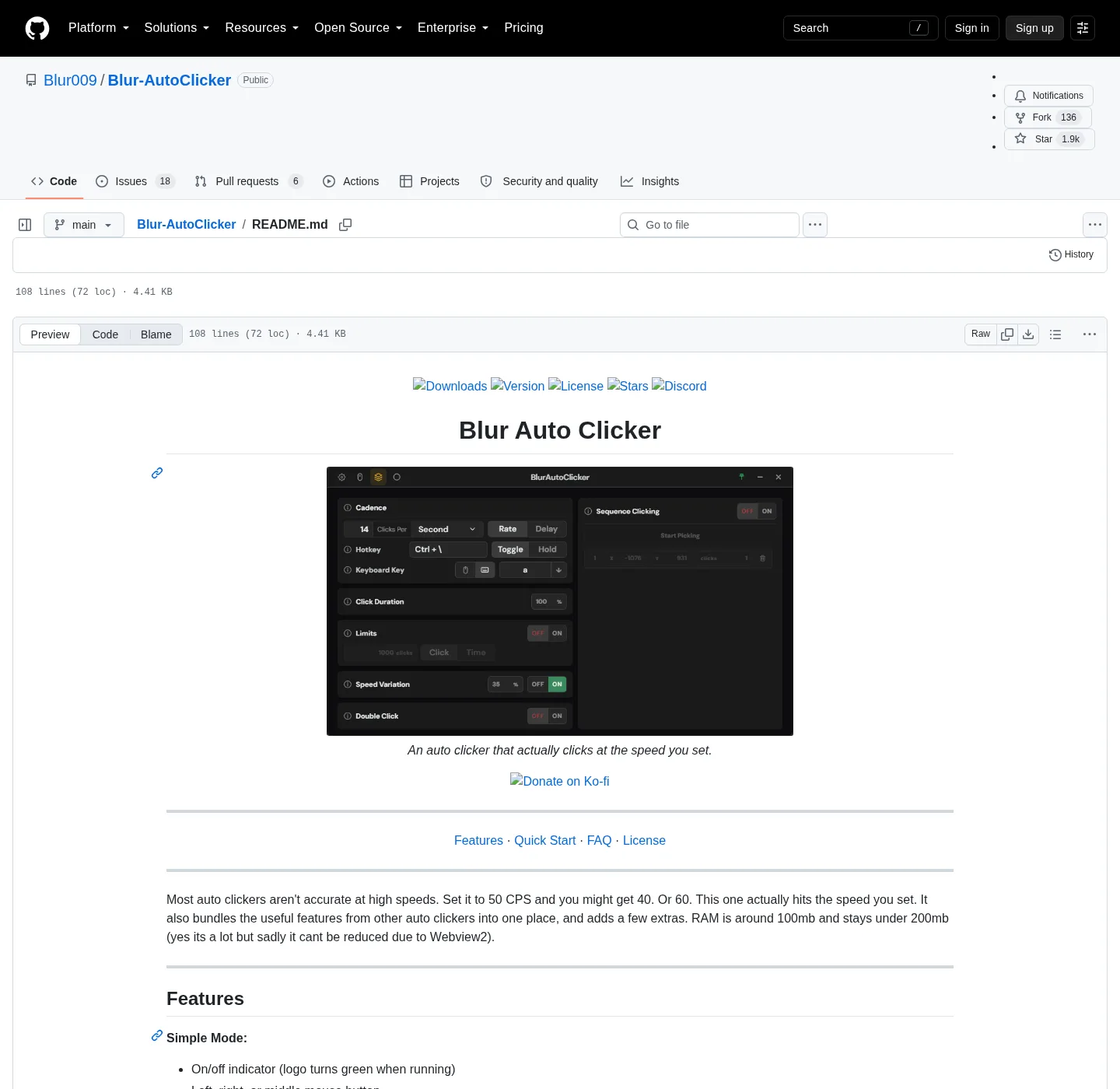
Blur Auto Clicker clicks set screen positions from its Click Points page (press 4). Switch Click Points on, press Start Picking, then right-click each spot you want. Every point gets its own click count and optional radius; the clicker visits them in order and loops until you stop it or turn on Stop when Complete.
How do I make Blur Auto Clicker click a fixed position?
- Open Click Points. Press 4 in the app window, or click the Click Points tab.
- Switch Click Points on. Turn on the Click Points toggle; the saved list is ignored while it is off.
- Pick the positions. Press Start Picking, right-click each spot on screen in the order you want, then press Escape or Cancel Picking to finish.
- Set clicks and radius. For each row set how many clicks that point gets and, if you want variation, a radius in pixels.
- Run a short test. Start with the hotkey, watch the pointer visit each point once, and stop.
How do click points work in Blur Auto Clicker?
Click points are a numbered list of screen positions. When the clicker runs, it moves the pointer to the first point, clicks it the number of times in that row, then moves to the next point and loops back to the top. Stop when Complete ends the run after one pass. The feature was renamed from sequence clicking to Click Points in 3.9.0, which also added the per-point radius; README text and older videos still call it position clicking in Advanced mode.
Why does the clicker stop as soon as it reaches a point?
The corner and edge failsafe is on by default, and it checks where the pointer is before every click, including clicks the app moves the pointer for (failsafe.rs). A point within 40 px of any screen edge, or 50 px of a corner, therefore stops the run with a reason such as "Top edge failsafe". Move the point inward, or lower that edge's value on the Zones page, and keep a reachable hotkey.
Why do my click points hit the wrong place?
Points are stored as screen coordinates, so they stay put while windows move. Moving or resizing the target window, changing display scaling, docking a laptop or adding a monitor all shift the button away from the saved spot. Pick the points again after any of those changes. For a target that scrolls or reflows, a fixed coordinate is the wrong tool.
What does the radius setting do?
Radius spreads each click randomly within that many pixels of the saved point, so repeated clicks do not land on one pixel. New points start with a radius of 0 and 1 click; change those starting values under Settings, Behavior, Click Points Defaults. Keep the radius smaller than the button you are clicking, or clicks will land beside it.
| Setting | Default | What it does |
|---|---|---|
| Click Points | Off | Uses the point list instead of the current pointer position |
| Clicks per new point | 1 | Clicks at each point before moving on |
| Radius per new point | 0 px | Random spread around the saved point |
| Stop when Complete | Off | Ends the run after one pass through the list |
| Corner Stop | On, 50 px | Stops when the pointer reaches a screen corner |
| Edge Stop | On, 40 px | Stops when the pointer reaches a screen edge |
Frequently asked questions
Can Blur Auto Clicker record a macro?
No. Click Points repeats clicks at saved positions in a fixed order, and keyboard mode repeats one key. The app has no recorder for typed text, pauses between steps or conditions, so use a macro tool for that.